To begin using Calven for Teams, your administrator must first install and configure the integration. Click here for an administrator guide
Using Calven for Teams
For information on how to get started with Calven in general, click here
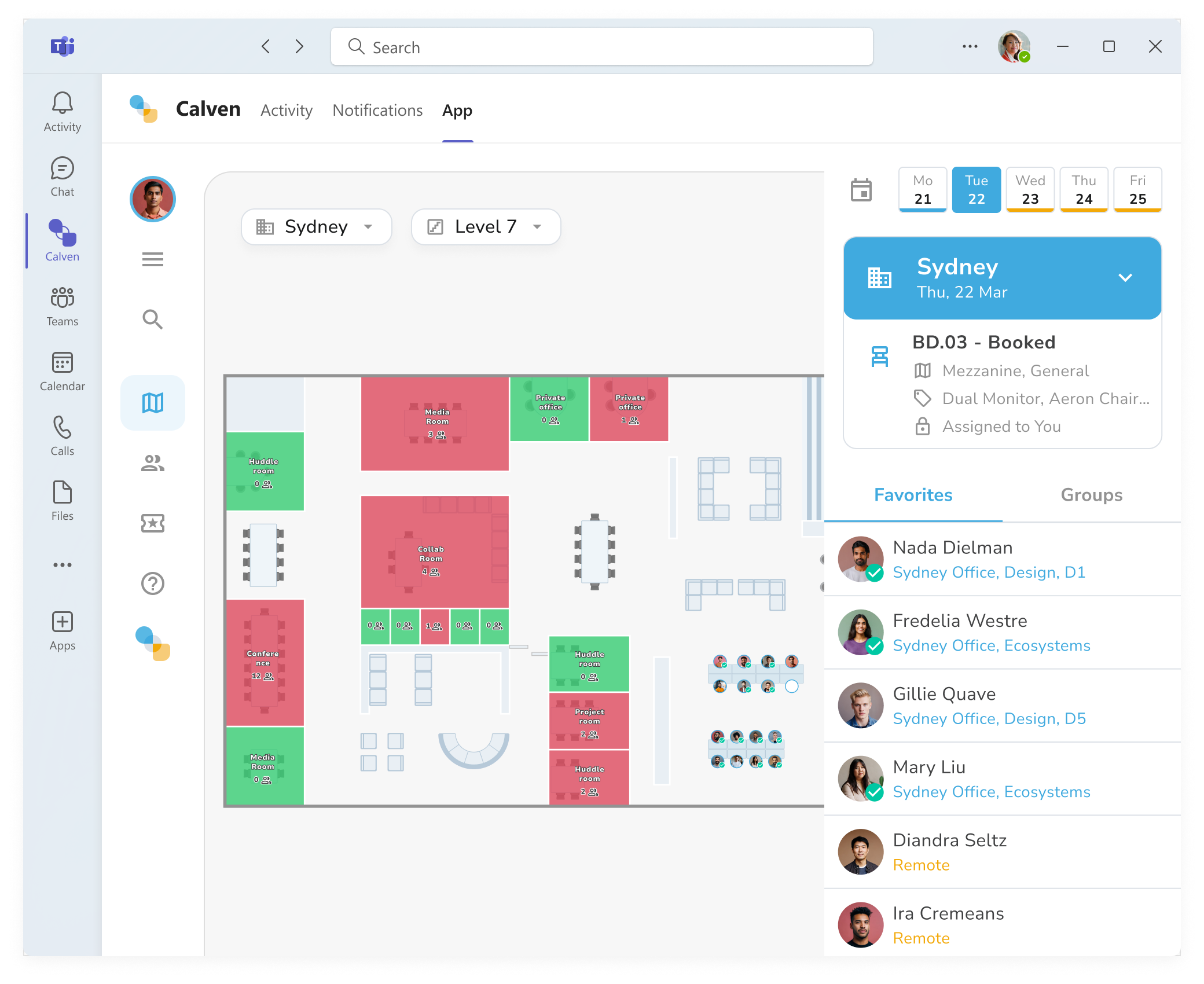
Use Calven for teams to view the interactive floor plan and resources in your office, as well as your desk booking, working location, and where your favorite colleagues are:
Getting Calven notifications via Teams
Below is a preview of all notifications Calven users can receive through teams:
Some notifications are dependent on your workplace's Calven configuration and which features are enabled for your office. For questions about your configuration, please contact your Calven administrator.
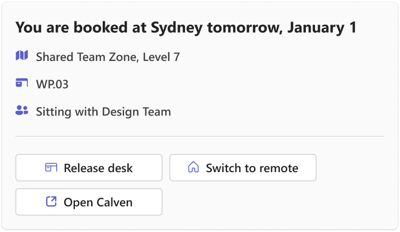
Upcoming office day reminder:
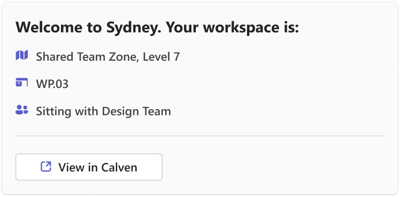
Welcome message (upon presence check-in):
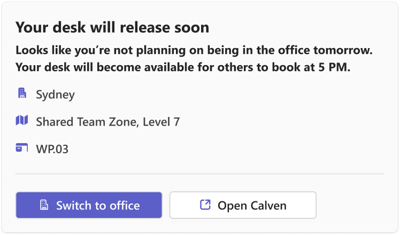
Assigned desk will be auto-released:
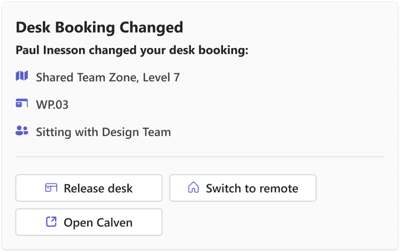
Desk booking updated:
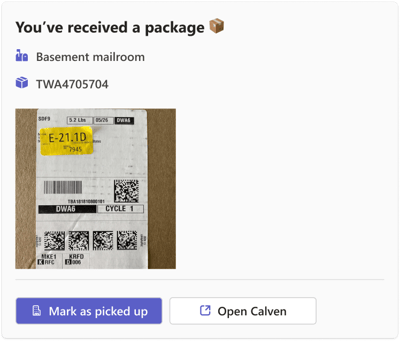
Package received:
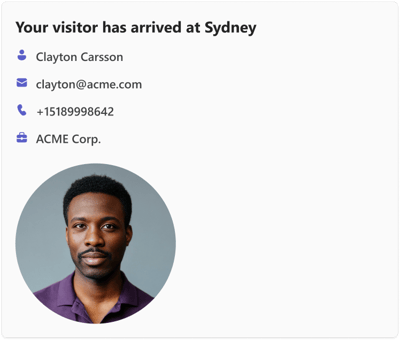
Visitor arrivals, sign-ins, and sign-outs: